How to transcribe Arabic voice notes (WhatsApp, Telegram and phone recordings)
In the Gulf, a lot of business happens in voice notes — orders, complaints, instructions. Here is how to turn them into text you can search, forward and act on, in the dialect they were spoken in.
nutq teamPublished 3 min read
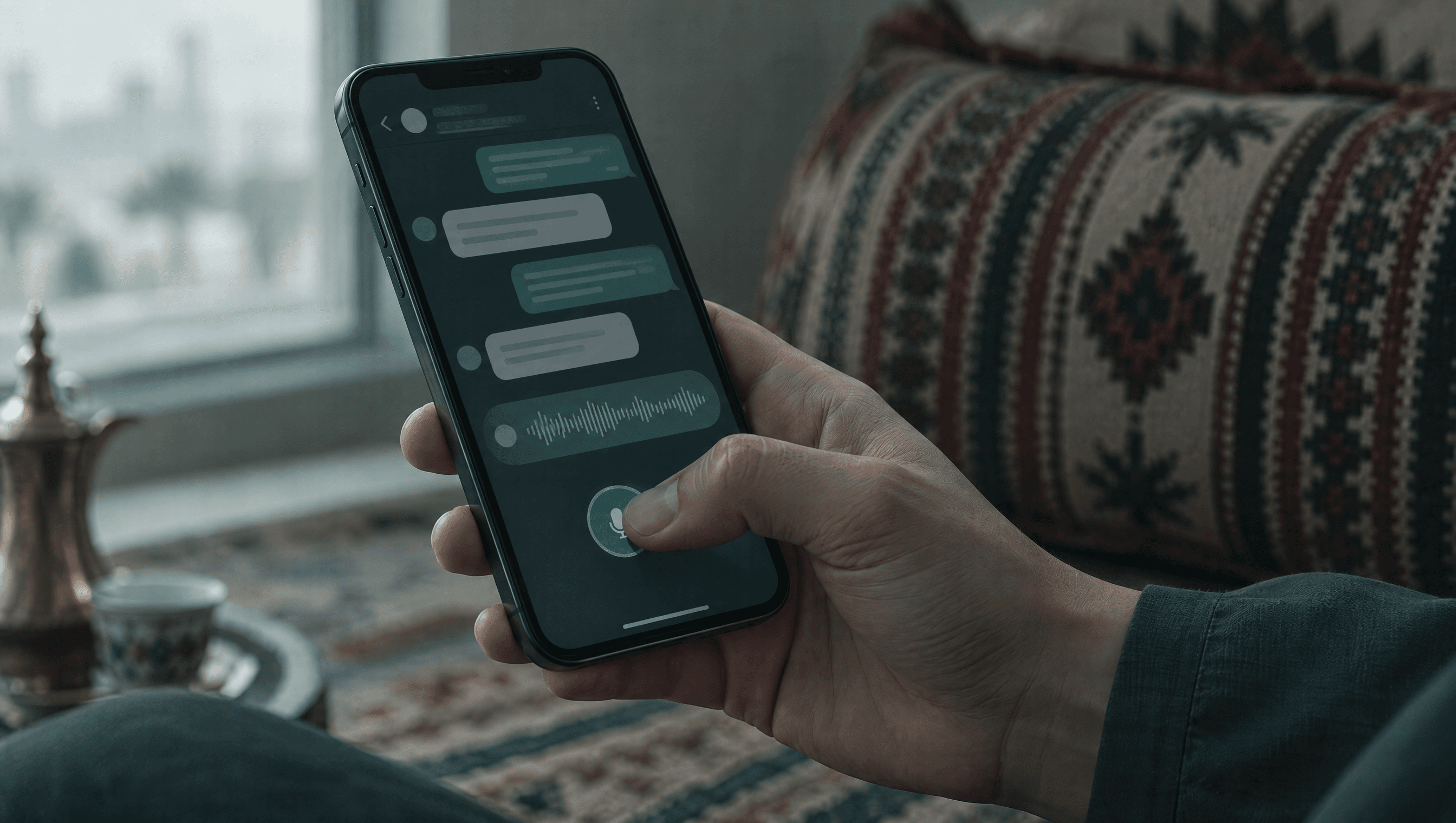
Across the Gulf, a voice note is how people actually communicate: a customer describing a problem, a supplier confirming an order, a manager giving instructions from the car. They are quick to send and slow to deal with — you cannot search them, skim them or forward them to someone who is in a meeting. This guide shows how to transcribe Arabic voice notes into text, in the dialect they were spoken in.
Why are Arabic voice notes hard to transcribe?
Voice notes combine every difficulty at once:
- Dialect. Nobody records a voice note in Modern Standard Arabic. A model that rewrites dialect into MSA gives you a tidy text that is not what was said — see Gulf Arabic vs MSA.
- Compressed audio. WhatsApp and similar apps compress voice notes heavily to save bandwidth.
- Real-world noise. Cars, cafés, children, air conditioning, a phone held at arm's length.
- Mixed language. English product names and numbers inside Arabic sentences.
How do you transcribe a voice note without code?
On the Arabic transcription page:
- Drop the file. Save the voice note from WhatsApp or Telegram and drop it in. It stays in your browser until you sign in.
- Create a free account. $5 of credit lands in your account, with no card.
- Read the transcript. Copy it, download it, or find it later in your history.
Formats go in as they are — no converting first:
| Source | Typical format |
|---|---|
| WhatsApp voice note | .opus |
| Telegram voice message | .ogg |
| iPhone voice memo | .m4a |
| Phone call recorder | .amr, .m4a |
| Video from a phone | .mp4, .mov |
How do you transcribe voice notes with the API?
For volume — a support inbox, a sales team, a CRM — send each file to the API:
curl -X POST https://nutq.dev/v1/transcribe \
  -H "Authorization: Bearer $NUTQ_API_KEY" \
  -F "file=@voice-note.opus"
The response carries the text, the detected language and exactly what the request cost:
{
  "text": "هلا، أبا أغيّر موعد التوصيل لباكر إذا ممكن",
  "language": "ar",
  "usage": { "audio_seconds": 6.4, "cost_usd": 0.00027 }
}
The same request works from an automation tool: an HTTP Request node in n8n that uploads the file as form data, then passes the text to the next step. Our n8n text-to-speech guide covers the credential setup, which is identical. The full request is in the Arabic speech to text API guide.
Which dialects and languages work?
| Speech | Result |
|---|---|
| Gulf Arabic (Emirati, Saudi, Kuwaiti, Qatari…) | Kept as spoken |
| Levantine Arabic | Kept as spoken |
| Modern Standard Arabic | Transcribed as written Arabic |
| Maghrebi, Yemeni, Sudanese Arabic | Recognised, less accurately |
| 13 other languages, including English and French | Detected per file |
Leave the language on auto and each voice note is detected on its own, so an inbox with a mix of Arabic and English messages needs no sorting first.
What does it cost?
| Voice note length | Cost at $0.15 per hour |
|---|---|
| 30 seconds | $0.00125 |
| 1 minute | $0.0025 |
| 5 minutes | $0.0125 |
| 1 hour of voice notes | $0.15 |
Billed by the second, and failed requests are never billed. The $5 of free credit covers about 33 hours of audio.
What happens to the recordings?
The recording goes to the transcription server, is transcribed and is discarded. Only the text is kept in your history, and you can delete it at any time. If voice notes cannot leave your organisation at all, the same model runs on-premise inside your own network.
Tips for better transcripts
- Send the original file. Re-recording or converting a voice note loses quality.
- Leave the language on auto unless you know it; the response says what was detected.
- Check names and numbers. They are the words a reader acts on, so skim them first.
- Keep the transcript with the audio. Store the text next to the original file, so anyone who doubts a word can play that moment back.
Try it with your own voice notes at sign-up — the first $5 is free.
Questions people ask
Can I transcribe WhatsApp voice notes in Arabic?
Yes. WhatsApp voice notes (.opus) go in as they are, with no conversion. The transcript keeps Gulf and Levantine dialect as spoken.
Which audio formats work?
Any common audio or video format, including OPUS, OGG, M4A, AMR, MP3, WAV, AAC, FLAC, MP4 and MOV, up to 100 MB per file.
How much does it cost to transcribe a voice note?
$0.15 per hour of audio, billed by the second. A one-minute voice note costs a quarter of a cent. New accounts get $5 of free credit with no card.
What happens to the recording?
It is transcribed and discarded. Only the text is kept, in your history, until you delete it.
Can I automate voice note transcription?
Yes. POST each file to /v1/transcribe from your own code or from an automation tool such as n8n, and route the text wherever you need it.
Written by nutq team. nutq is an Arabic speech API built in the UAE: speech to text that keeps Gulf dialect, and Arabic text to speech with voice cloning.
اقرأ بالعربيةHear it on your own audio.
$5 of credit to start — about 33 hours of transcription. No card.
Keep reading
All articles
Speech to text3 min read
Real-time Arabic transcription over WebSocket (a drop-in for Deepgram clients)
If you have already written a Deepgram client, you have already written most of a real-time Arabic transcriber. Change the URL, and here is exactly what comes back — and what does not.

Speech to text4 min read
Arabic speech to text API: a developer's guide to transcribing Gulf Arabic
One POST request, a file, and Arabic text back — with the dialect intact. What to send, what comes back, what it costs, and where Arabic speech recognition usually goes wrong.

Speech to text4 min read
How to transcribe Arabic phone calls accurately (and why most models fail on them)
A phone line throws away most of the sound a speech model listens to. Here is what that does to Arabic transcription, what we measured, and how to set up call transcription that holds up.