How to add Arabic subtitles to a video automatically (with dialect intact)
Upload a video, press one button, and get Arabic captions timed to the speech — in the dialect people actually used. Then style them, translate them, burn them in, or export an SRT.
nutq teamPublished Updated 3 min read
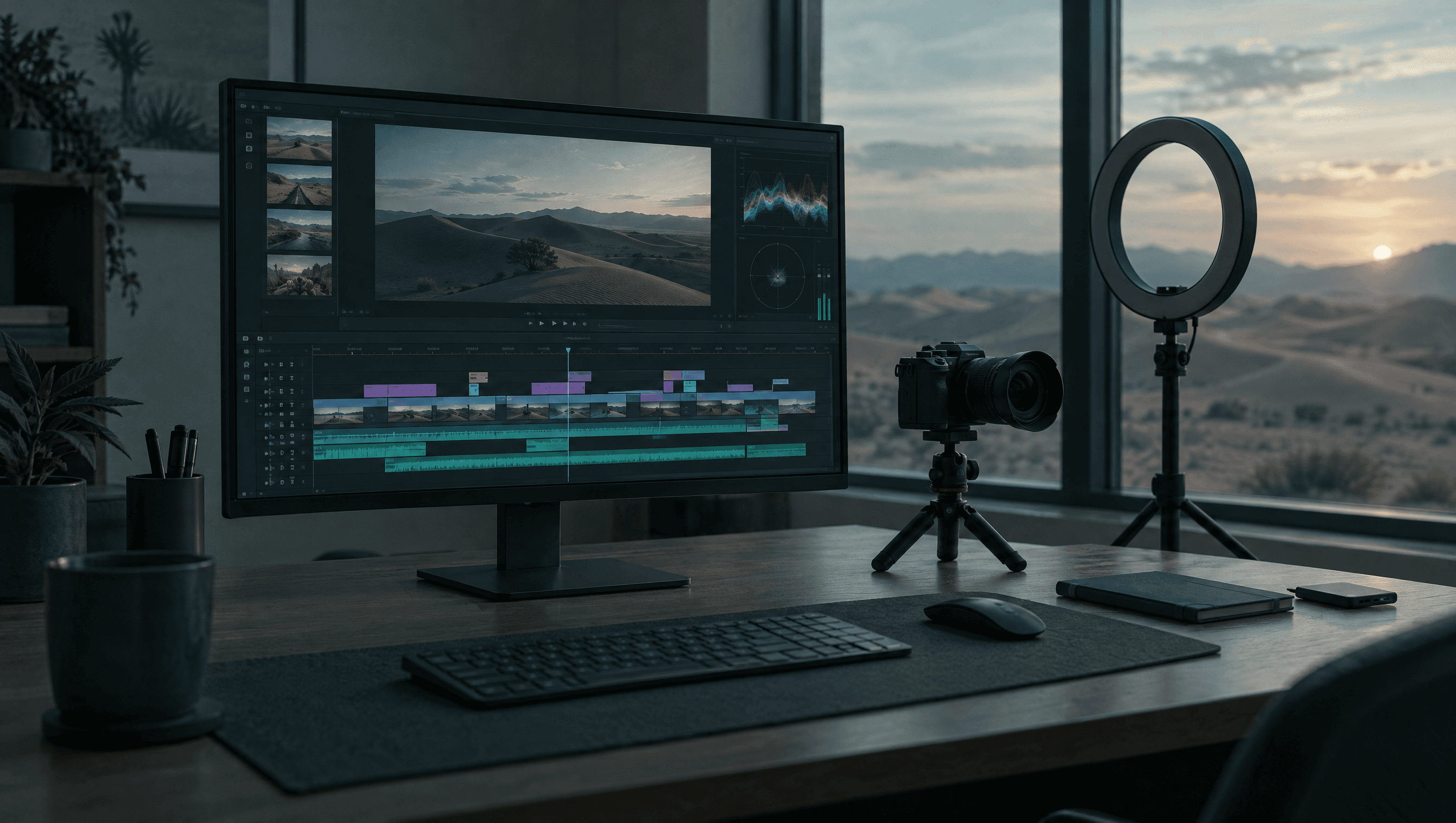
Arabic video gets watched on mute. On Instagram, TikTok, Snapchat and YouTube Shorts, most people scroll with the sound off, and a video without captions says nothing to them. Captions also make a video searchable: the words are text a platform can index. This guide shows how to add Arabic subtitles to a video automatically — and why the dialect of those subtitles matters more than most tools assume.
Why do auto-generated Arabic subtitles often feel wrong?
Because many captioning tools transcribe Gulf speech into Modern Standard Arabic. A creator in Dubai says شو رايكم and the caption reads «ما رأيكم». Viewers notice straight away: the words on screen are not the words they heard, and the video feels translated rather than spoken. We explain why models do this in Gulf Arabic vs MSA.
nutq's speech model keeps Gulf and Levantine Arabic as spoken, so captions match the voice.
How do you add Arabic subtitles automatically, step by step?
In nutq Studio, a video editor with captioning built in:
- Add the video. Drop in the file; it goes on the timeline. Pick a frame shape — landscape 16:9, vertical 9:16, square 1:1 or portrait 4:5.
- Generate captions. Choose the spoken language or leave it on Detect automatically. Studio shows the cost before you start, based on the length of the audio.
- Review the lines. Read through and fix names or terms. Press Enter to split a line at the cursor if it runs long.
- Style them. Choose Clean, Box, Bold or Highlight, set the size, and place them at the bottom, middle or top of the frame.
- Export. Render an MP4 with the captions burned in, and download an SRT alongside it if the platform accepts caption files.
If no speech is heard, you are not charged; if a step fails partway, you are not charged for the part that failed.
Burned-in captions or an SRT file?
| Burned in | SRT / VTT file | |
|---|---|---|
| Visible on every platform | Yes | Only where caption files are supported |
| Viewer can turn off | No | Yes |
| Styling | Yours, fixed | The platform's |
| Indexed by the platform as text | No | Yes, on YouTube and similar |
| Best for | Reels, TikTok, Shorts, Snapchat | YouTube, LinkedIn, course platforms |
For short vertical video, burn them in. For YouTube, upload the SRT too — it gives the platform the text of your video to index, which helps it show up in search.
How do you translate Arabic captions into other languages?
Add a caption language and Studio translates each line while keeping its timing. You can show one language on the video and export others as files. Captions can go into Arabic, English, French, Spanish, German, Italian, Portuguese, Turkish, Hindi, Urdu, Japanese and Chinese — useful for reaching Gulf audiences and international ones from the same edit.
Can you dub a video into Arabic automatically?
Yes. Dub video listens to the speech, translates it, voices it and places each voiced line on the timeline. For Arabic, the voice can be one of the Gulf voices or a copy of the original speaker's voice (in beta), and the original sound can be kept quietly underneath or switched off. The voices come from the same model as the Arabic text to speech API.
What about titles, descriptions and hashtags?
Once a video has captions, Studio can write the post for you: suggested titles, a description and hashtags, in Arabic, English or both — drawn from what is actually said in the video.
What does it cost?
Captions are charged as transcription: $0.15 per hour of audio, so a ten-minute video costs under three cents to caption. Translation, dubbing and post details are charged separately and listed on your usage page. New accounts get $5 of free credit with no card.
Prefer to do it in code?
The speech parts of Studio are available through the API. Transcribe with the Arabic speech to text API and generate voiceover with /v1/speech; the API reference has the details.
Questions people ask
How do I add Arabic subtitles to a video for free?
Sign up to nutq for $5 of free credit with no card, open Studio, add your video and choose Generate captions. Captioning costs $0.15 per hour of audio, so the free credit covers many hours of video.
Can I export Arabic subtitles as an SRT file?
Yes. Captions can be downloaded as SRT or VTT, and the video export can also burn the captions into the picture and download an SRT alongside it.
Will the subtitles be in dialect or Modern Standard Arabic?
In the dialect that was spoken. nutq's speech model keeps Gulf and Levantine Arabic as spoken instead of rewriting it into MSA, which matters for creators whose audience talks the same way.
Can I translate Arabic captions into English?
Yes. Add a caption language and the lines are translated with their timing kept. Captions can go into Arabic, English, French, Spanish, German, Italian, Portuguese, Turkish, Hindi, Urdu, Japanese and Chinese.
Can the video be dubbed into Arabic?
Yes. Dubbing listens to the speech, translates it and voices it in the target language, then places each line on the timeline. For Arabic it can use a Gulf voice or copy the original speaker's voice (in beta).
Written by nutq team. nutq is an Arabic speech API built in the UAE: speech to text that keeps Gulf dialect, and Arabic text to speech with voice cloning.
اقرأ بالعربيةHear it on your own audio.
$5 of credit to start — about 33 hours of transcription. No card.
Keep reading
All articles
Speech to text3 min read
How to transcribe Arabic voice notes (WhatsApp, Telegram and phone recordings)
In the Gulf, a lot of business happens in voice notes — orders, complaints, instructions. Here is how to turn them into text you can search, forward and act on, in the dialect they were spoken in.

On-premise3 min read
On-premise Arabic speech recognition: keeping every recording inside your network
For a bank or a ministry, the first question about Arabic speech recognition is not accuracy. It is where the recordings go. Here is what running the models inside your own network involves.
Speech to text3 min read
Real-time Arabic transcription over WebSocket (a drop-in for Deepgram clients)
If you have already written a Deepgram client, you have already written most of a real-time Arabic transcriber. Change the URL, and here is exactly what comes back — and what does not.