AI video generator for Arabic: make clips from a description, then voice and caption them in Arabic
Most AI video tools can make a beautiful shot and then ruin it with fake Arabic letters and a voice that reads Arabic like a tourist. nutq Studio splits the job: the clip comes from a description, the Arabic comes from nutq.
nutq teamPublished 4 min read
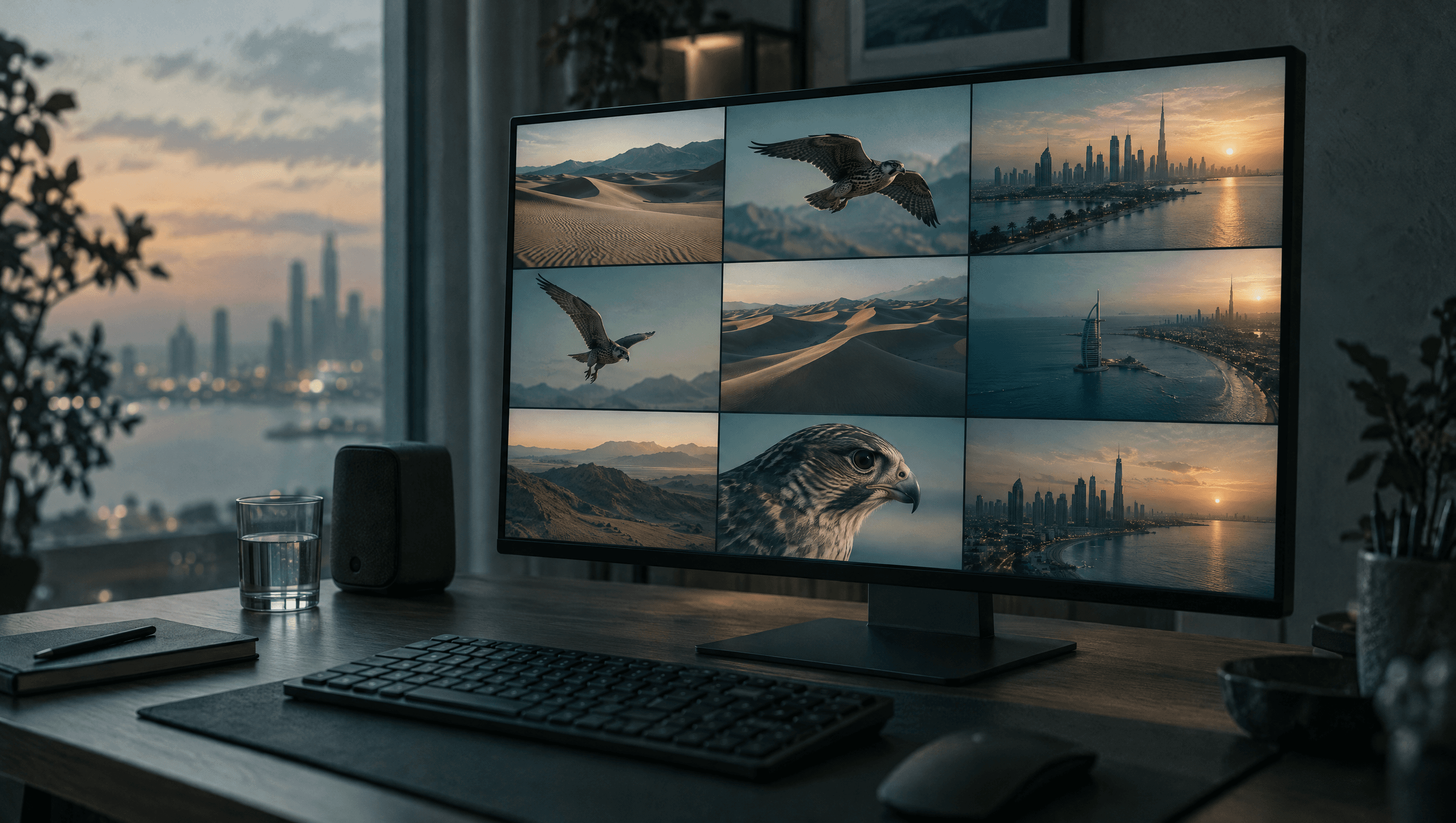
Search for an AI video generator for Arabic and you find tools that make a beautiful shot of the desert, then ruin it with Arabic letters that are not letters and a voice that reads Arabic like a tourist. The picture and the language are different problems. nutq Studio treats them separately: the clip comes from a description, the Arabic voice comes from nutq's Gulf voices, and Arabic titles and captions are typed as real text on top. Everything happens on one timeline in the browser.
How does the Video tab make a clip?
Open a project, choose the Video tab and describe the shot. Then set:
- Length: 4 to 12 seconds.
- Quality: 480p for drafts and social, 720p when the clip will be seen large.
- Frame shape: taken from the project, so a vertical project gets vertical clips. Landscape, vertical and square are made as they are; a 4:5 portrait project gets the nearest shape, 3:4.
- Start frame (optional): Start from this frame continues from the frame under the playhead, so a product or a place stays the same from shot to shot.
A clip takes about three minutes. You can have up to three in the making at once and keep editing meanwhile; finished clips appear under Your clips, ready to drag onto the timeline. If a clip cannot be made, you are not charged.
How do you write a prompt that works?
Describe one shot, not a story. A useful order is subject, action, setting, camera, light:
A falcon lifts off a leather glove in slow motion, desert dunes behind, low camera angle, golden hour light, shallow depth of field.
Three habits help:
- One movement per clip. "Walks to the window and turns" is two shots; make two clips.
- Name the camera. "Slow push in", "static wide shot" or "handheld close-up" changes the result more than adjectives do.
- Keep words out of the picture. Ask for "a blank sign", not a sign that says something.
Why should Arabic text never be in the prompt?
Video and image models draw Arabic as shapes that look like Arabic from a distance and are nonsense up close. Native readers notice at once, and it makes the whole video look generated. Put every Arabic word on the video in Studio instead: the Text lane renders Arabic in a proper Arabic font with connected letters, right to left, and you can move and time it to the frame. See how to add Arabic text to a video for the details.
How do you turn clips into a finished Arabic video?
A 30-second Arabic video, start to finish:
- Write the script in the dialect your audience speaks, about 13 characters per second of video.
- Voice it. In the Voice panel, type the script, pick a Gulf voice and generate. The voiceover lands on the Voice lane at the playhead, and when you generate captions its words come straight from your script, exact and not billed as transcription. Emotion cues like
[excited]work here too; see Arabic AI voiceover for ads, reels and audiobooks. - Make the clips to match the script's beats, five or six clips of about five seconds each.
- Add titles for the hook and the call to action in the Text lane.
- Add sound. The Sounds panel has a library of effects and can make a custom one from a description, from 1 to 30 seconds.
- Export an MP4 at 720p or 1080p with the captions burned in.
What does it cost?
Each step shows its price before you press the button. At the time of writing, an AI clip is about $1 for 5 seconds at 480p, about $2.30 at 720p and about $5.60 for 12 seconds at 720p. A voiceover is $0.05 per 1,000 characters, so a 30-second script costs about 2 cents, and captions are $0.15 per hour of audio. Editing, titles and export use no credit. A 30-second video made of six 480p clips therefore costs around $6 in total.
New accounts get $5 of credit at sign-up, with no card. Monthly plans include a commercial licence for ads and client work. To try it, open nutq Studio with any video or a blank project.
Questions people ask
Can an AI video generator make videos in Arabic?
It can make the picture, but most models write Arabic as fake letters and speak it poorly. In nutq Studio the picture comes from the Video tab, while the Arabic voice comes from nutq's Gulf voices and Arabic titles and captions are added as real text.
How long can an AI clip be?
Between 4 and 12 seconds per clip, at 480p or 720p. Make several clips and place them one after another on the timeline for a longer video.
Can I start a clip from a frame of my own video?
Yes. Choose Start from this frame and the clip continues from the frame under the playhead, which keeps a product, a place or a colour consistent from shot to shot.
Should I write the prompt in Arabic or English?
Describe the shot plainly in whichever language you think in, and never ask for written words in the shot. Put Arabic text on the video afterwards in the Text lane, where it renders correctly.
What does an AI clip cost?
The price for the length and quality you pick is shown before you make it: at the time of writing about $1 for 5 seconds at 480p and about $2.30 at 720p. A clip that fails is not charged.
Written by nutq team. nutq is an Arabic speech API built in the UAE: speech to text that keeps Gulf dialect, and Arabic text to speech with voice cloning.
اقرأ بالعربيةHear it on your own audio.
$5 of credit to start — about 33 hours of transcription. No card.
Keep reading
All articles
Guides3 min read
Arabic hashtags generator: YouTube titles, descriptions and hashtags written from what your video says
Most hashtag generators guess from a topic you type. nutq Studio writes titles, a description, YouTube chapters and hashtags from what is actually said in your video, in Gulf Arabic, English or both.
Guides4 min read
How to use subtitled videos to boost Arabic vocabulary, with Gulf clips you make yourself
Subtitled video gives you the sound, the spelling and the situation of a word at once. The hard part for Gulf Arabic is finding clips at your level, so make them: a short dialogue, two voices with real emotion, and captions timed to the speech.
Guides3 min read
Arabic AI voiceover for ads, reels and audiobooks: a production guide for Gulf brands
A 30-second Gulf Arabic spot, a week of reels, a 6-hour audiobook. How agencies and creators produce Arabic voiceover with AI — from casting the voice to the final WAV — and what each minute costs.